
PawOS across Web, Desktop and CLI
Three product experiences with different project access and execution boundaries; mobile access uses Web or a paired Desktop session.
PawOS is an AI Development Operating System with three product experiences. Choose based on where your project lives and where you want commands and changes to run.
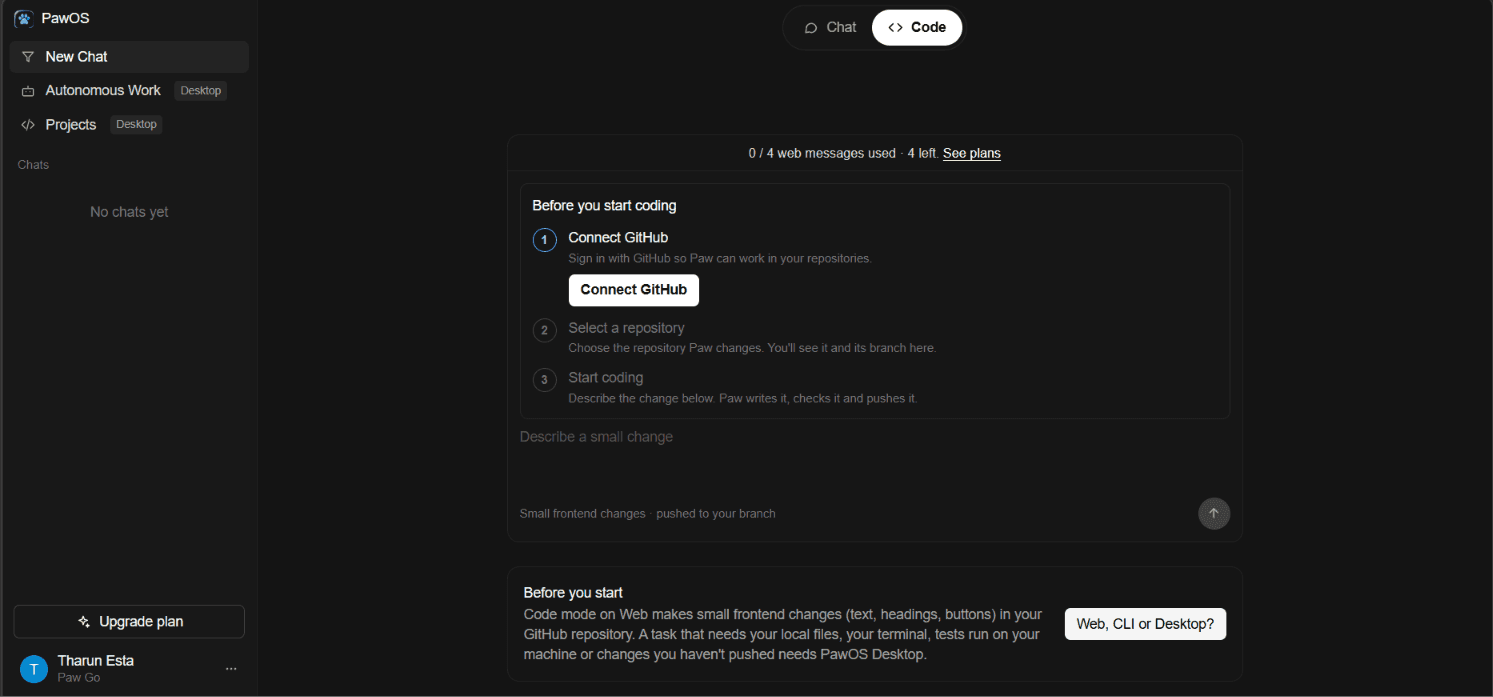
PawOS Web
In a browser
Browser workspace using PawOS services and connected repositories.
- Chat and account experience
- GitHub-based coding tasks
- Shows checks and previews provided by the repository
- No local file access or local command execution
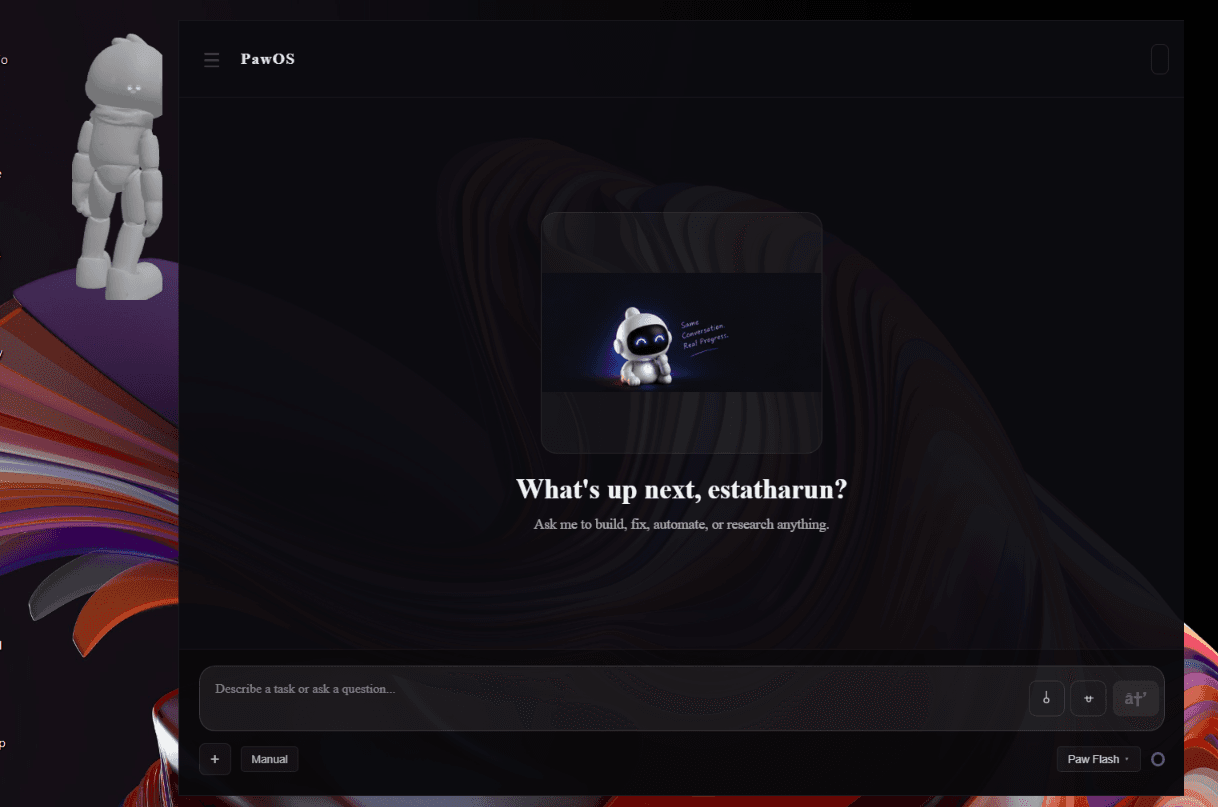
PawOS Desktop
Windows local companion
Works with a selected local workspace and Desktop runtimes.
- Local coding and approved development commands
- Environment/software management in source
- Validation, recovery and Work Records in source
- Browser, process and integrations vary by implementation and account
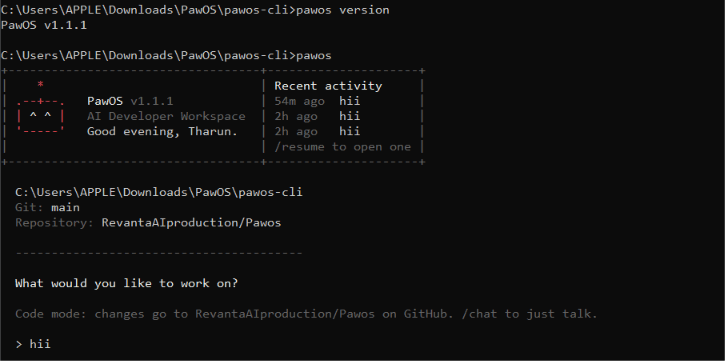
PawOS CLI
Independently installed terminal agent
Starts in the local folder you choose; Git is not required for local project work.
- Local file, command, Git and undo workflows
- Node.js 20 or newer
- Does not require Desktop or a Web app installation
- Browser authorization may be used for PawOS account sign-in
Capability comparison
| Capability | Web | Published CLI 1.2.0 | Desktop source |
|---|---|---|---|
| Local project files | No | Yes; in the current folder, including non-Git projects | Yes; selected workspace |
| Git and non-Git support | GitHub repository for coding | Non-Git local work; Git operations need a repository | Non-Git local workspace; Git actions need Git/repository |
| Development execution | No local commands | Approved local development commands, tests/builds | Registered local command/runtime actions with permissions |
| Environment diagnostics | No local diagnostics | 1.2.0 has no `/env` | Source-backed discovery/checks; not independently runtime verified here |
| Environment repair and software management | No | No | Source-backed PATH/environment and install/repair/uninstall operations; not independently runtime verified here |
| Validation and recovery | Repository checks/previews only | Local checks; `/undo` is file-only and does not reverse commands/commits | Validation/recovery/Work Records in source; some evidence is partial |
| Integrations | Supported Web and GitHub flows | Connection status; candidate commands are not in 1.2.0 | Connector/MCP plugins in source; per-provider coverage varies |
| Browser and process verification | Repository previews, not local apps | Can start/stop a dev server and open localhost, cannot inspect a page | Managed browser/process code; support varies, visual checks not guaranteed automatically |
Published CLI and local candidate
The currently published npm package is `@revantaai/pawos-cli` 1.2.0. A local 1.2.1 candidate adds `/env`, `/tools`, `/github`, `/linear`, and `/work`; it is unpublished. Candidate service-backed behavior is not verified against live production APIs. See the CLI README for the version-specific commands and limitations.
Do not infer that candidate commands are available to npm users. `/env` is read-only diagnostics. It does not repair PATH.
Desktop release status
The existing Desktop 1.0.4 MSIX is unsigned, lacks a matching WACK report and verified source provenance, and has not passed disposable-environment install/runtime checks. It is not certified, Partner Center ready, or proven equivalent to current source.
Using PawOS on a phone
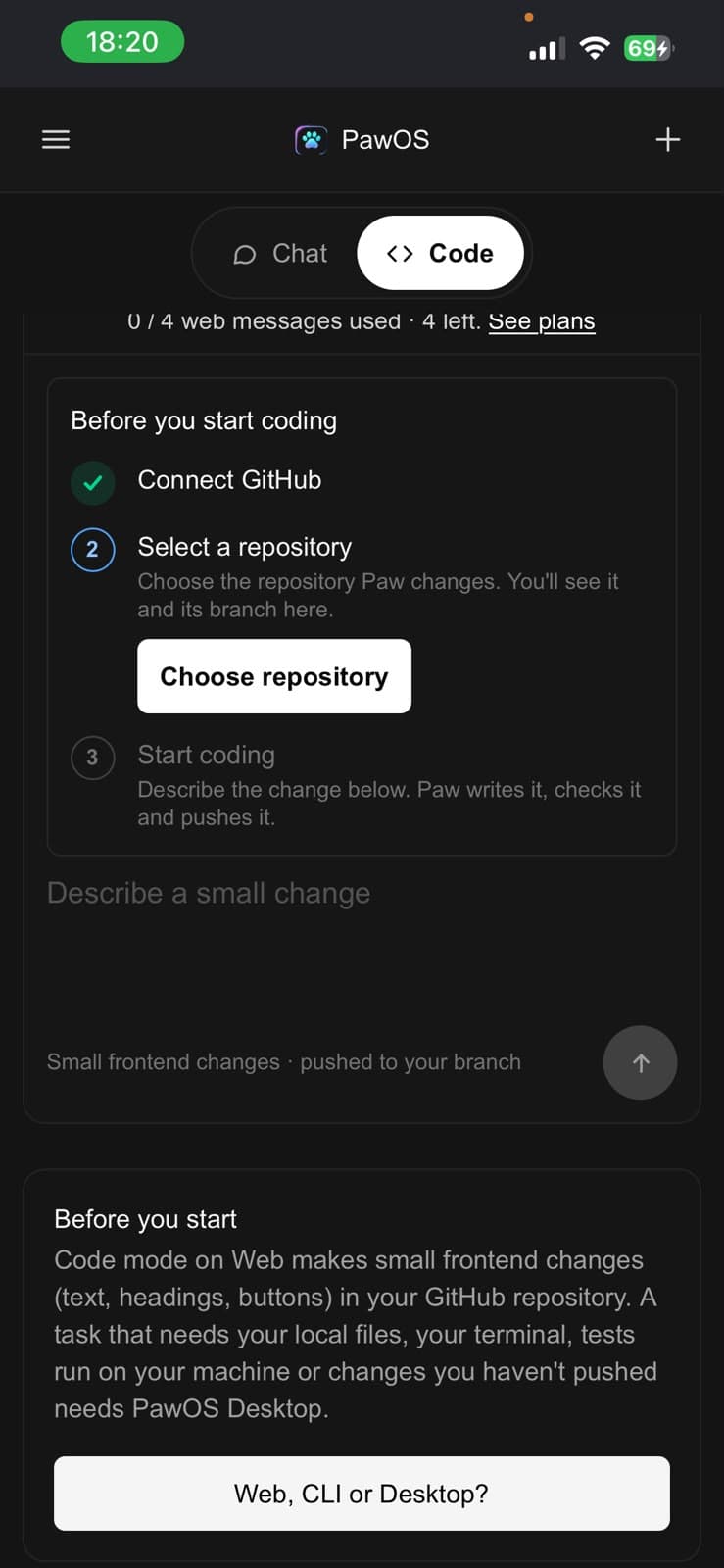
PawOS on a phone is PawOS Web in a mobile browser, or a paired view of a running Desktop session. A phone browser does not gain access to a computer’s local files or terminal.
Install the CLI
npm install -g @revantaai/pawos-cli
pawos
Local CLI usage does not require PawOS Desktop or PawOS Web to be installed. A PawOS account is required, and sign-in may hand off through a browser.
Note
Use Web for browser-based repository work, CLI for a local terminal workflow, and Desktop when a task specifically needs a Desktop runtime. Capability status in this comparison is product-specific; source presence is not a live-release or runtime verification.